Sourcing
Live
LinkedIn Chrome extension
Save candidates, companies, and contacts from LinkedIn directly to Happlicant without copying and pasting.
LinkedIn Chrome extension feature review
Time spent copy-pasting from LinkedIn into your CRM is time not spent placing candidates or winning clients.
Happlicant Mini is a Chrome extension designed specifically as one of the most practical tools for independent recruiters and recruitment agencies.
It turns LinkedIn profiles into structured candidate or lead CRM records instantly, so you move quicker.
Whether you are a small recruitment agency, an independent headhunter, or in the process of starting up a recruitment business, this extension helps you build and manage your pipeline without extra admin work.
When viewing a profile on LinkedIn, you can:
Add candidates, clients, or contacts directly to your Happlicant ATS/CRM
Capture experience, education, and current role automatically
Add notes and internal comments
Apply tags for structured search later
Assign candidates to jobs
For independent recruitment professionals who rely heavily on LinkedIn sourcing, this creates a faster and more consistent workflow. By tracking notes, assignments, and outreach in one place, you make it easier to keep candidates warm during hiring.
LinkedIn Chrome extension key benefits
1
Faster sourcing
Turn LinkedIn profiles into CRM records with one click, including notes, tags, and assignments.
2
Client development support
Save companies and decision-makers to your CRM and use them in business development workflows or campaigns.
3
Structured pipeline management
Instantly organize saved LinkedIn profiles with notes, tags and job assignments so nothing slips through the cracks.
Jump on a quick demo call to see how this, and many other features, can save you time and help you grow your agency.

FAQs
Why do I sometimes see missing or incorrect information?
Our Chrome extension extracts data directly from the page’s HTML. Occasionally the page loads before the correct data is available. Refreshing the page allows the extension to scan and extract the right information.
Can I add both candidates and clients from LinkedIn?
Yes. You can save candidates, companies, hiring managers, and other contacts directly to your CRM.
Do I need to pin the extension?
Pinning the extension in Chrome makes it easier to access and check if it’s active while browsing.
Which pages does the extension work on?
The extension only works on profile pages. It will not extract data from search results or main pages. Please click into an individual person or company profile for the extension to work.
Why is some information missing?
Our extension can only extract data that is publicly available on the page. If certain details are not visible on the profile, they cannot be extracted.
LinkedIn Chrome extension: How-to guide
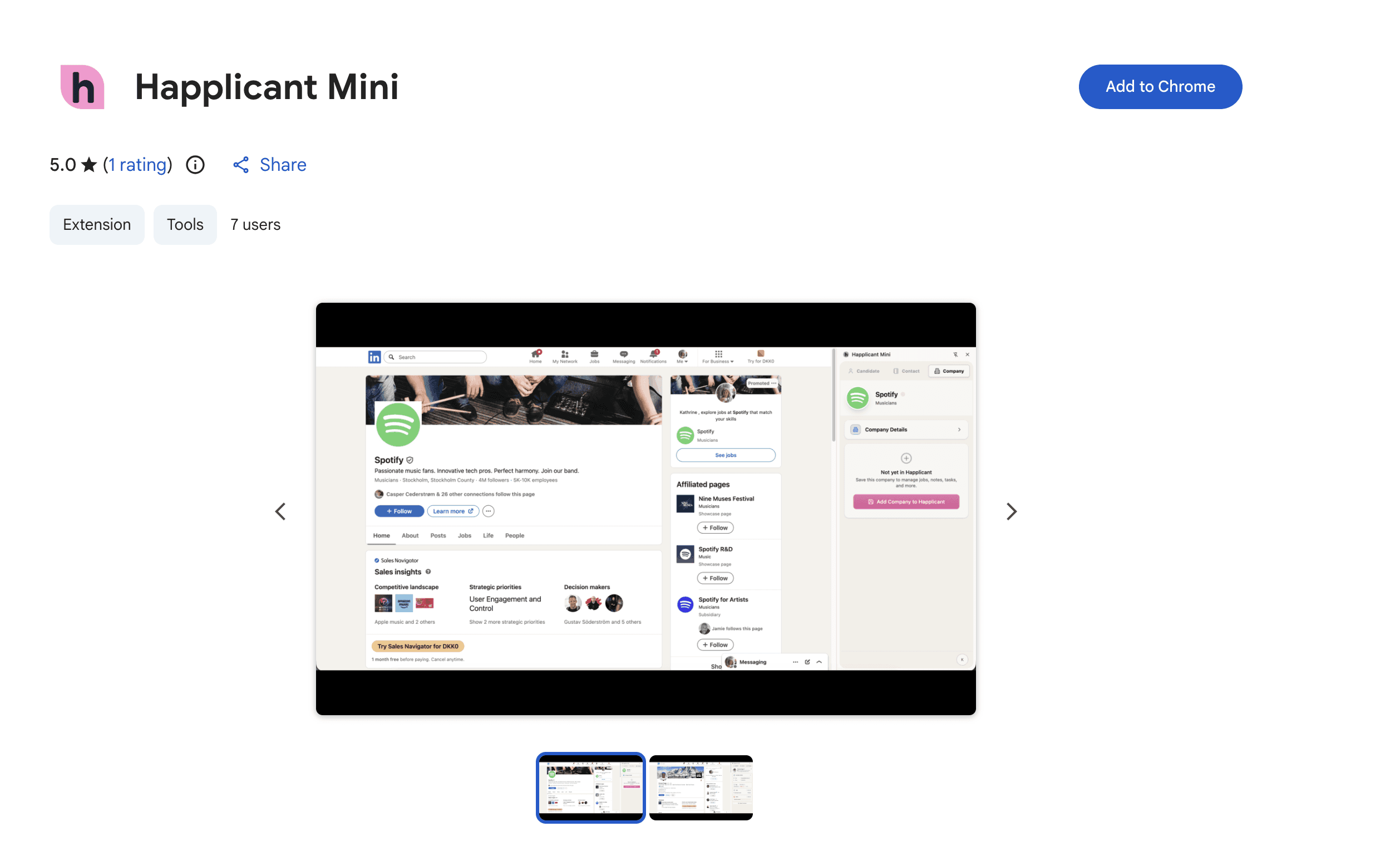
Install the Chrome Extension
Go to Chrome Store and download the extension
Click the extensions icon in the top right corner of Chrome and pin Happlicant so it is always visible
You will automatically be logged in to your Happlicant account
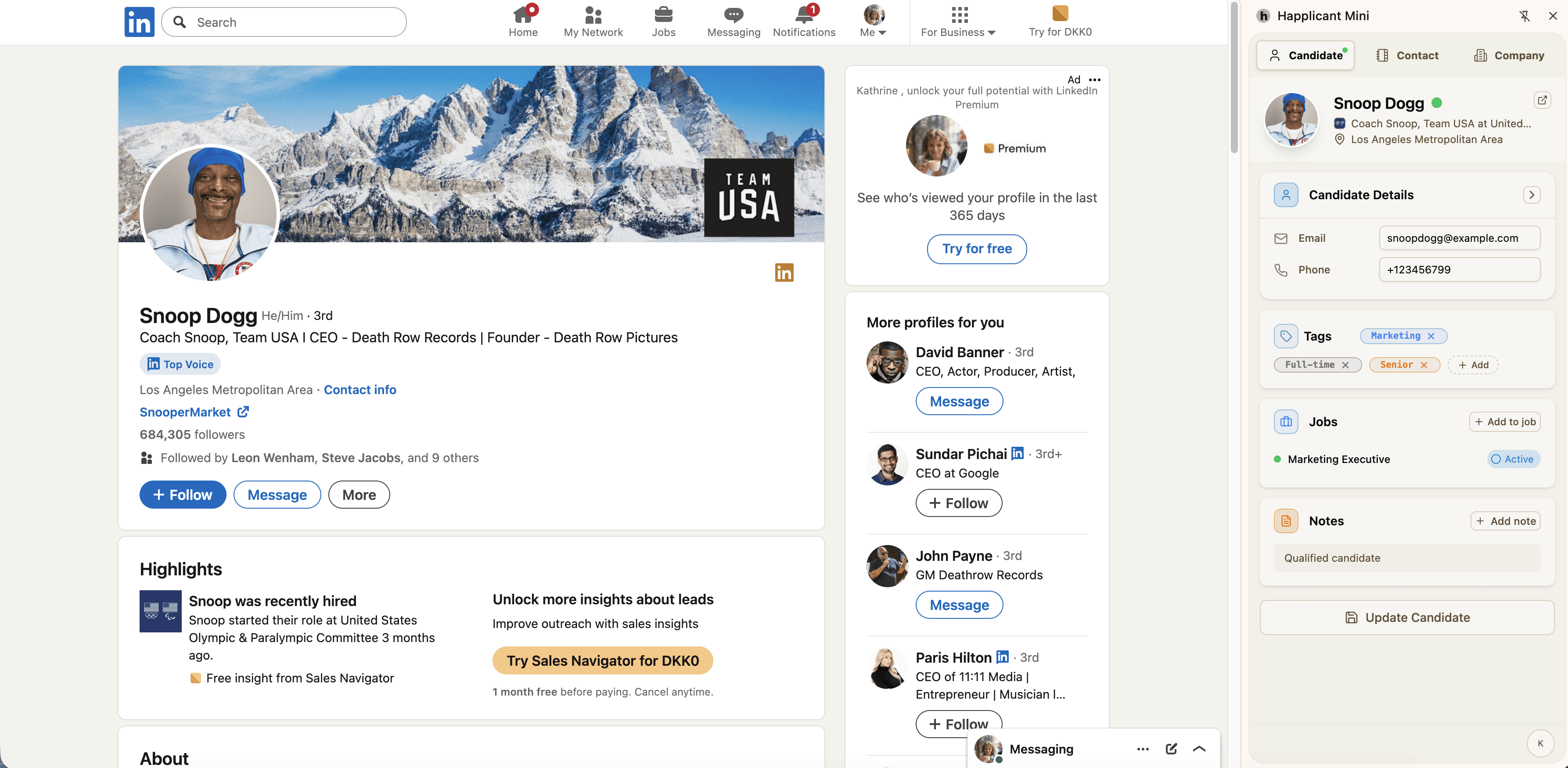
Add a candidate from LinkedIn
Open a LinkedIn profile page
Click “Save Candidate”
Add notes, tags, and assign the candidate to a job
💡 Tip: If the candidate doesn't show up in the extension, refresh the page
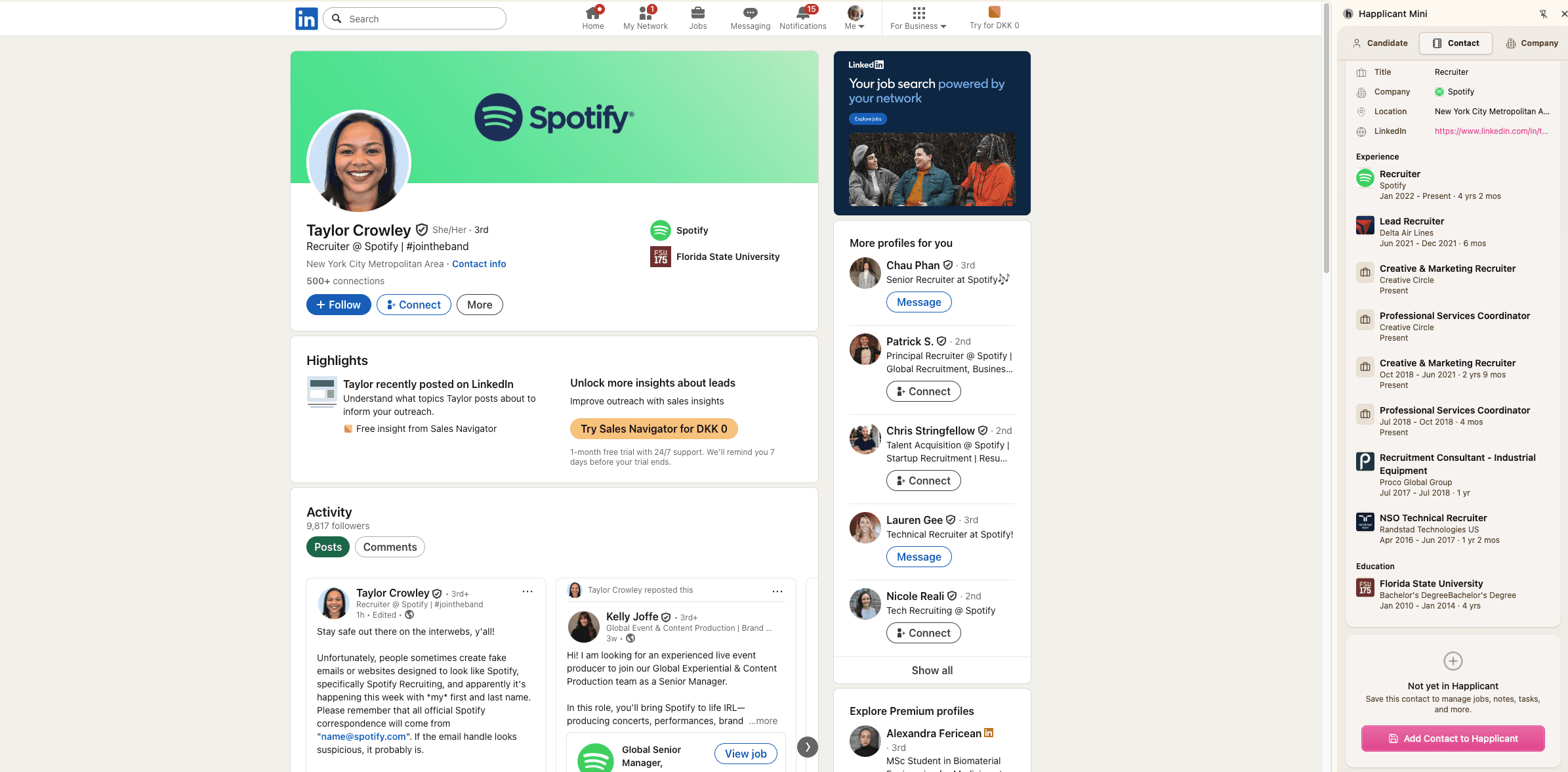
Save contacts
Open a LinkedIn profile
Click "Add Contact"
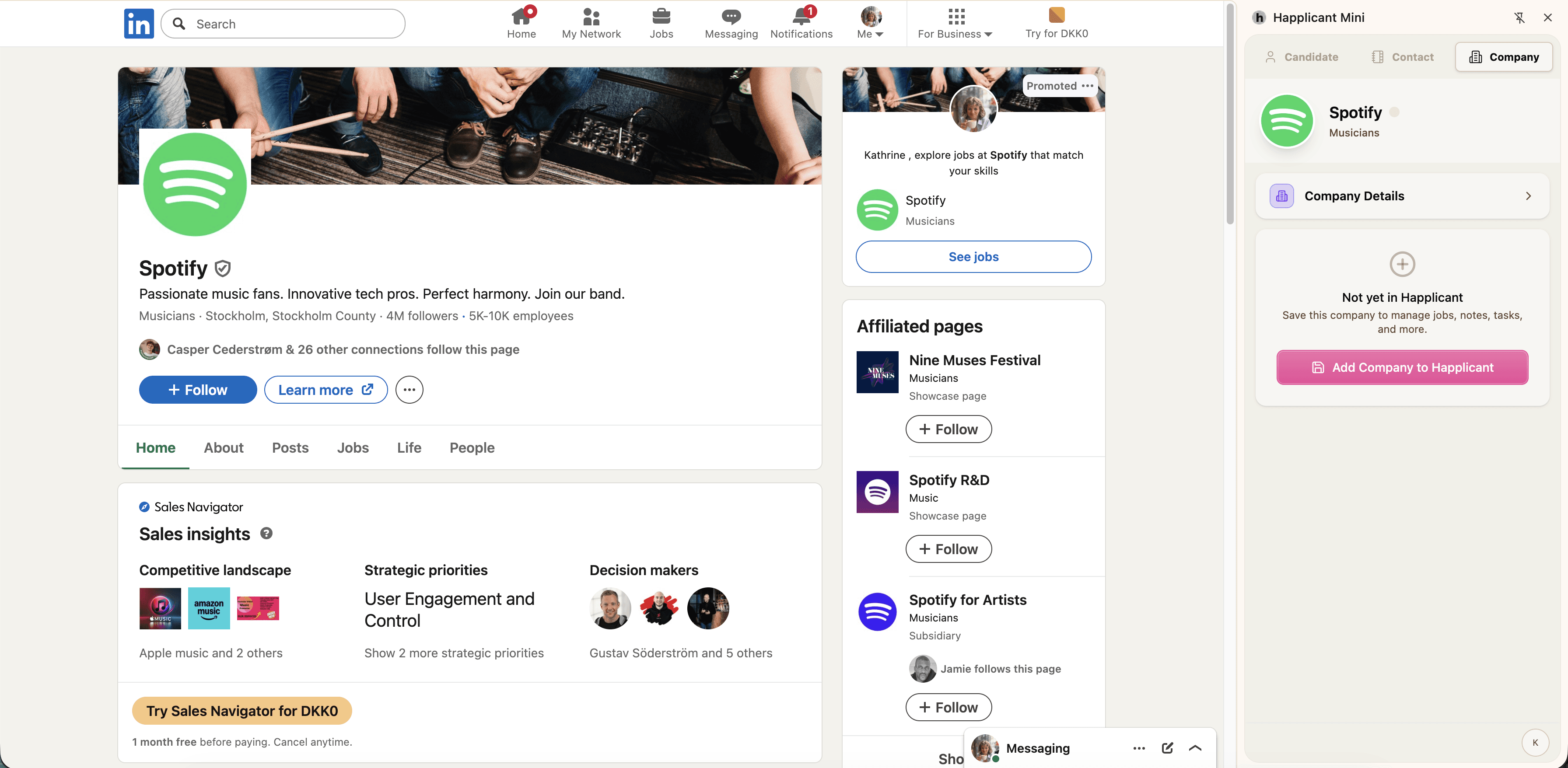
Save companies
Go to the LinkedIn company page
Click "Add Company"
What happens next?
When you save a candidate, contact, or company from LinkedIn, the information is automatically added to Happlicant.
From there you can:
Manage candidates and contacts
Assign them to jobs
Add notes and tags
Keep track of companies and clients
Feeling stuck or unsure how to begin?
Our friendly support team is here to guide you through every step. Just drop us a line: support@happlicant.com